Voltage divider
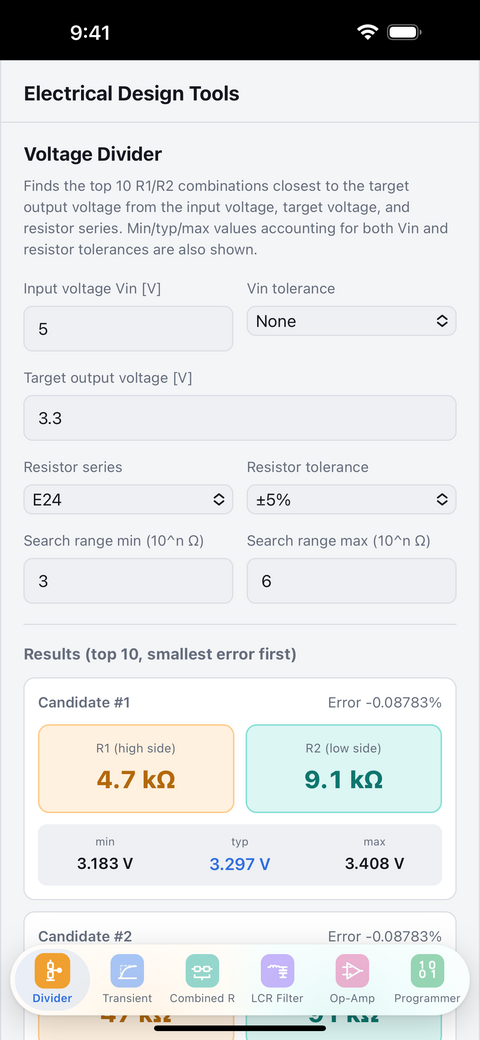
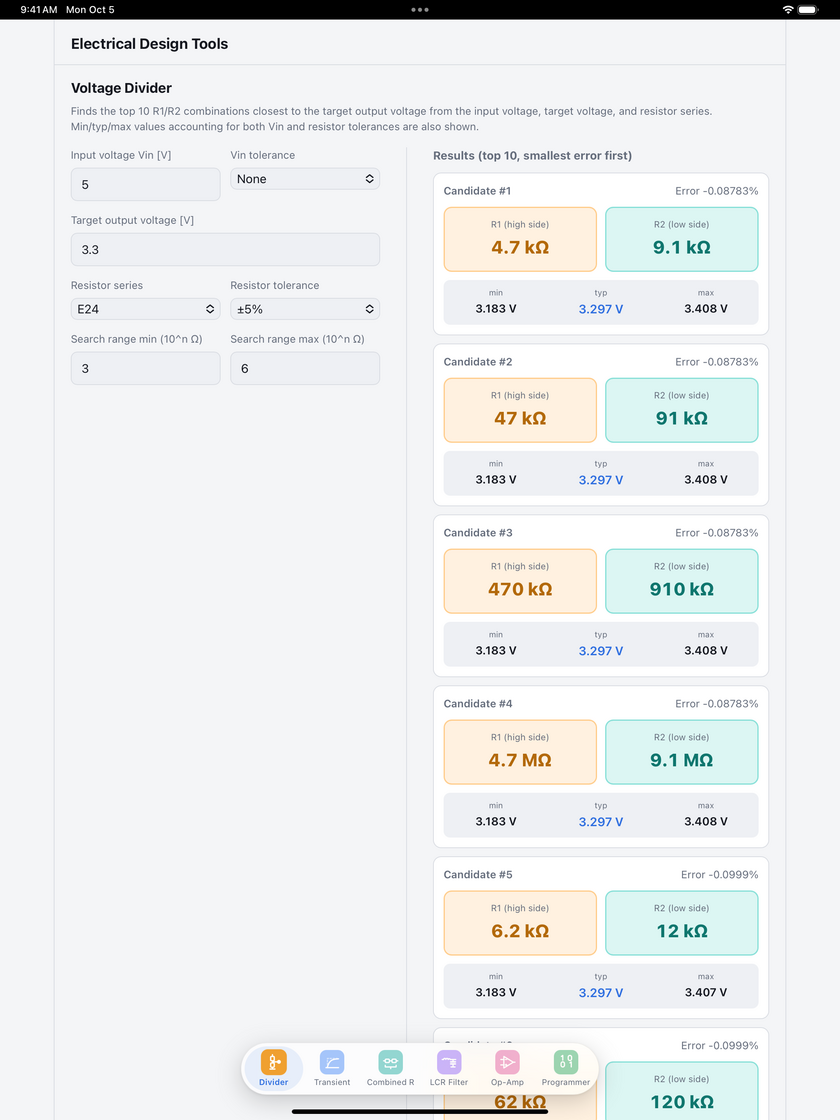
From an input voltage and a target voltage, find resistor combinations close to the target in the E6/E12/E24/E48 standard series. See the minimum, typical and maximum output voltage with resistor tolerance taken into account.

ELECTRICAL DESIGN TOOL
The calculations you need in electrical design, in one app. Check a quick calculation on the spot while you work. (Japanese name: EL tools:電気設計便利ツール)
SCREENSHOTS
FEATURES
From an input voltage and a target voltage, find resistor combinations close to the target in the E6/E12/E24/E48 standard series. See the minimum, typical and maximum output voltage with resistor tolerance taken into account.
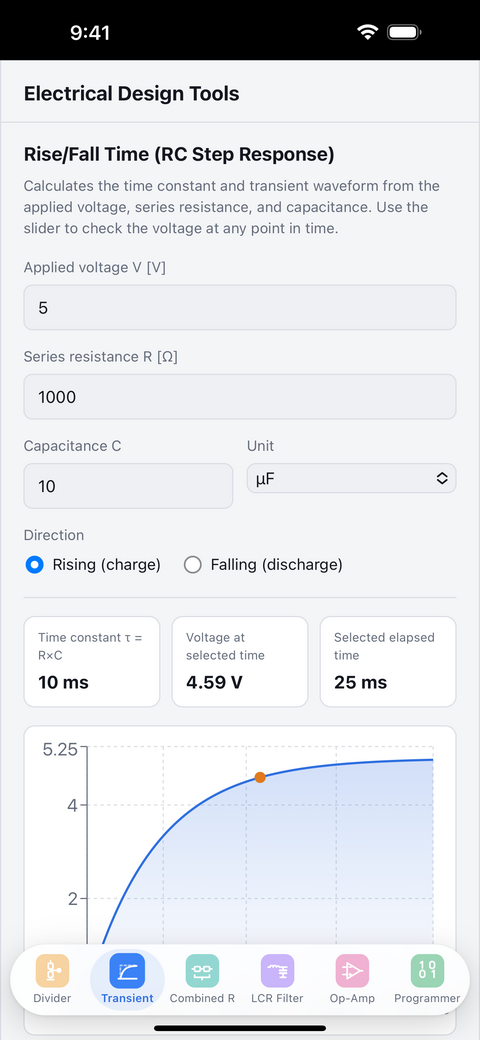
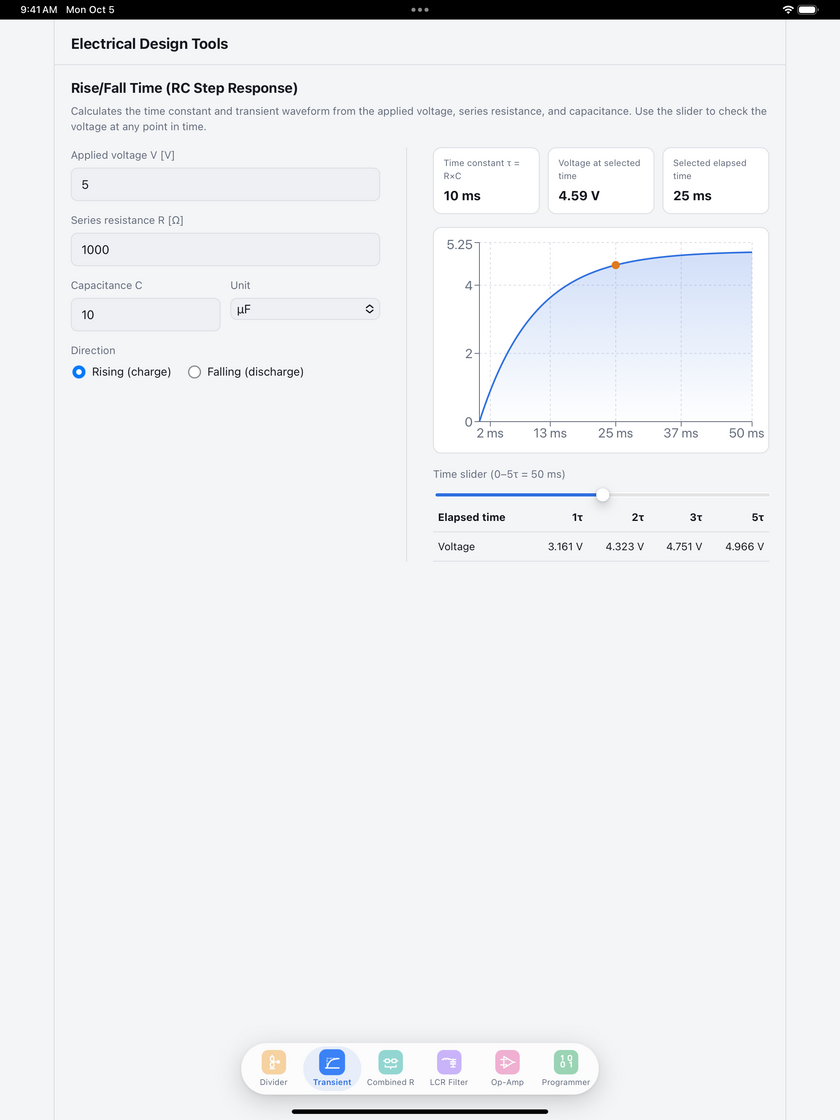
Calculate the time constant τ = RC from resistance and capacitance. See the rise and fall as a graph, and check the voltage at any elapsed time with the slider.
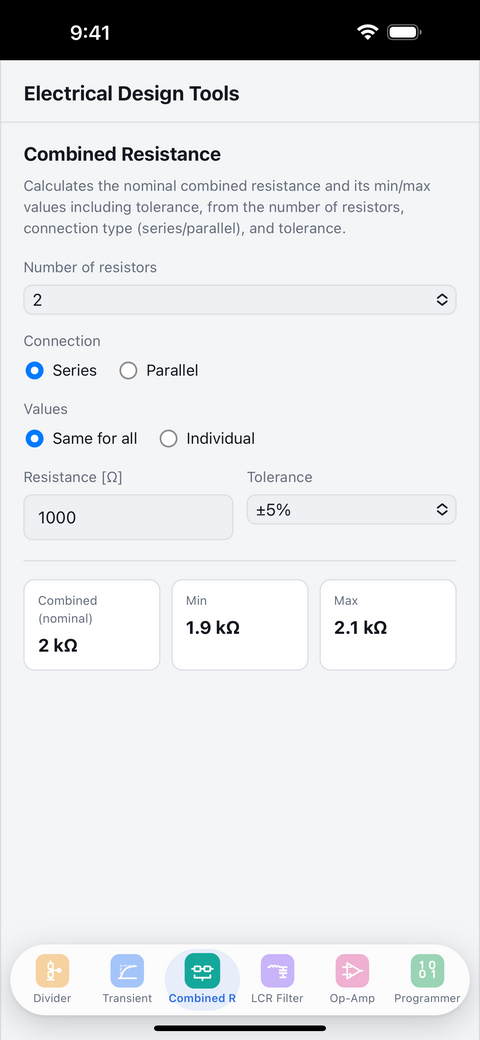
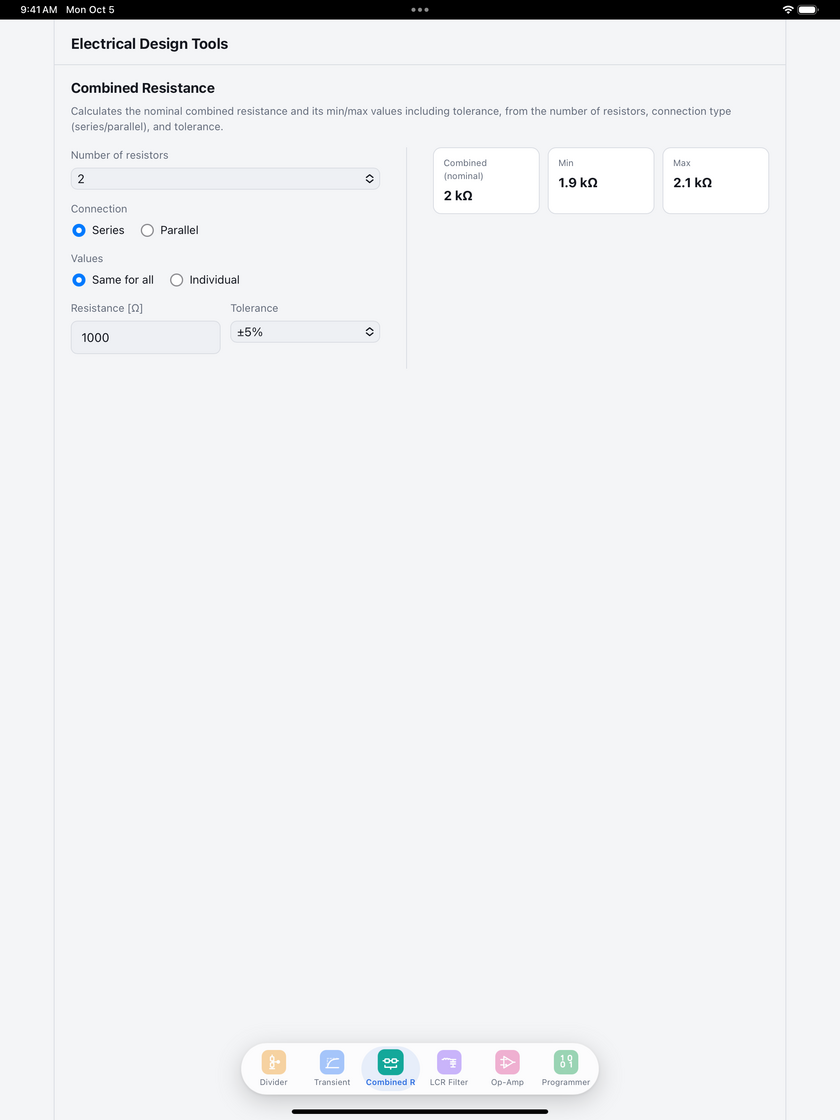
Supports series and parallel connections. Calculates the nominal, minimum and maximum combined resistance from several resistances and their tolerances.
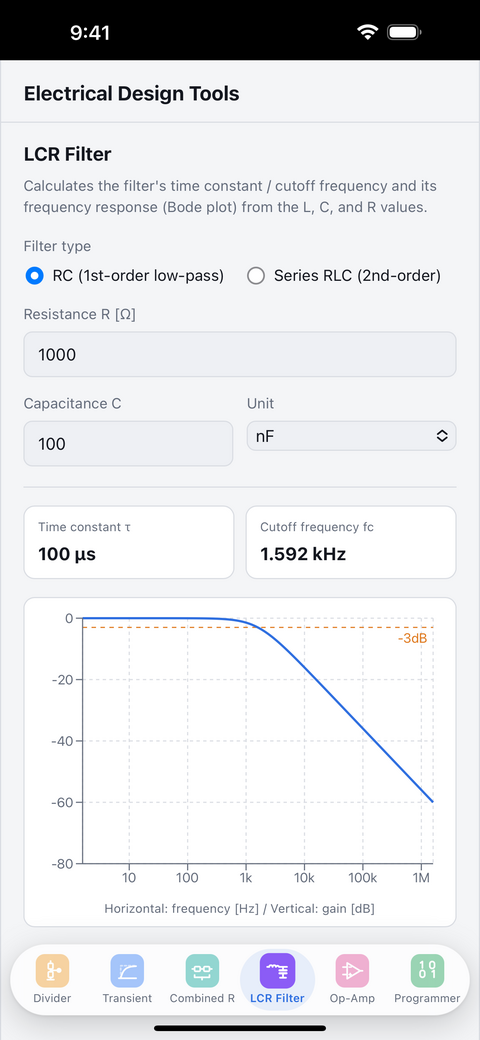
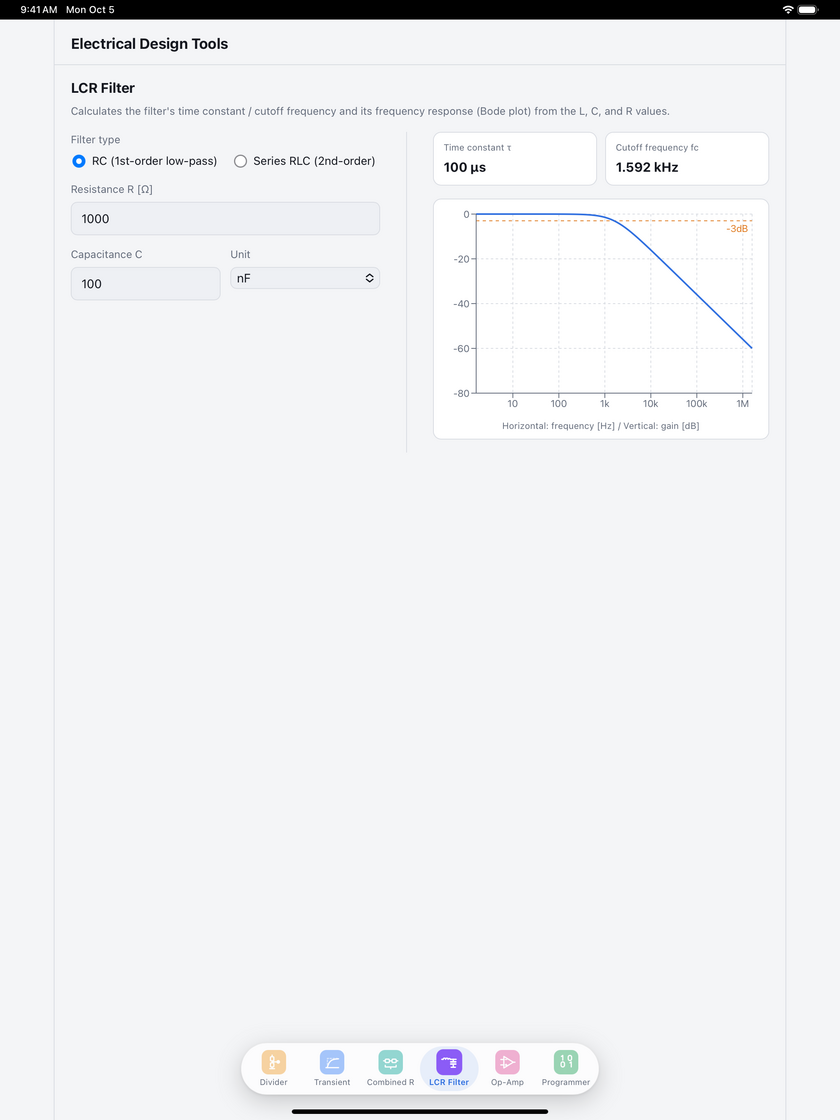
Calculate filter characteristics from R, L and C values. Check the time constant and cutoff frequency, with the frequency response shown as a graph.
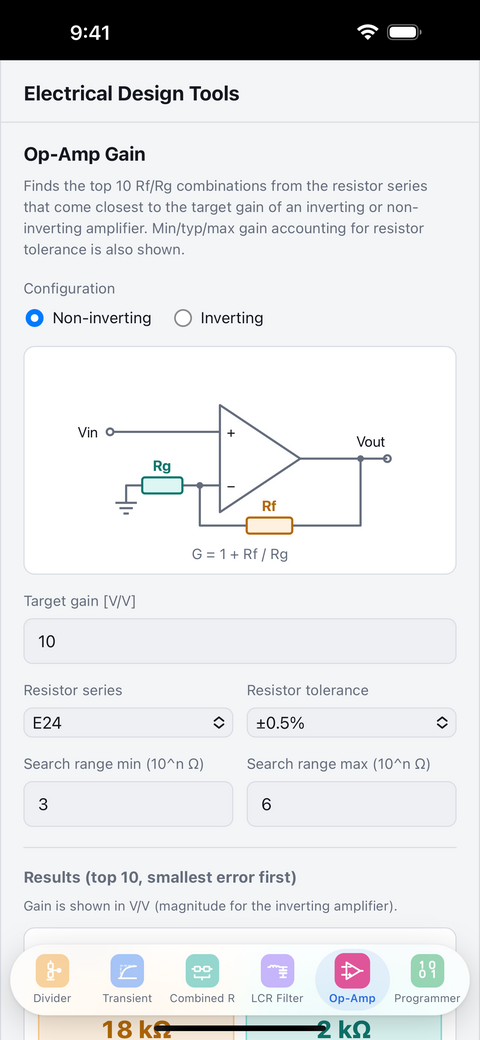
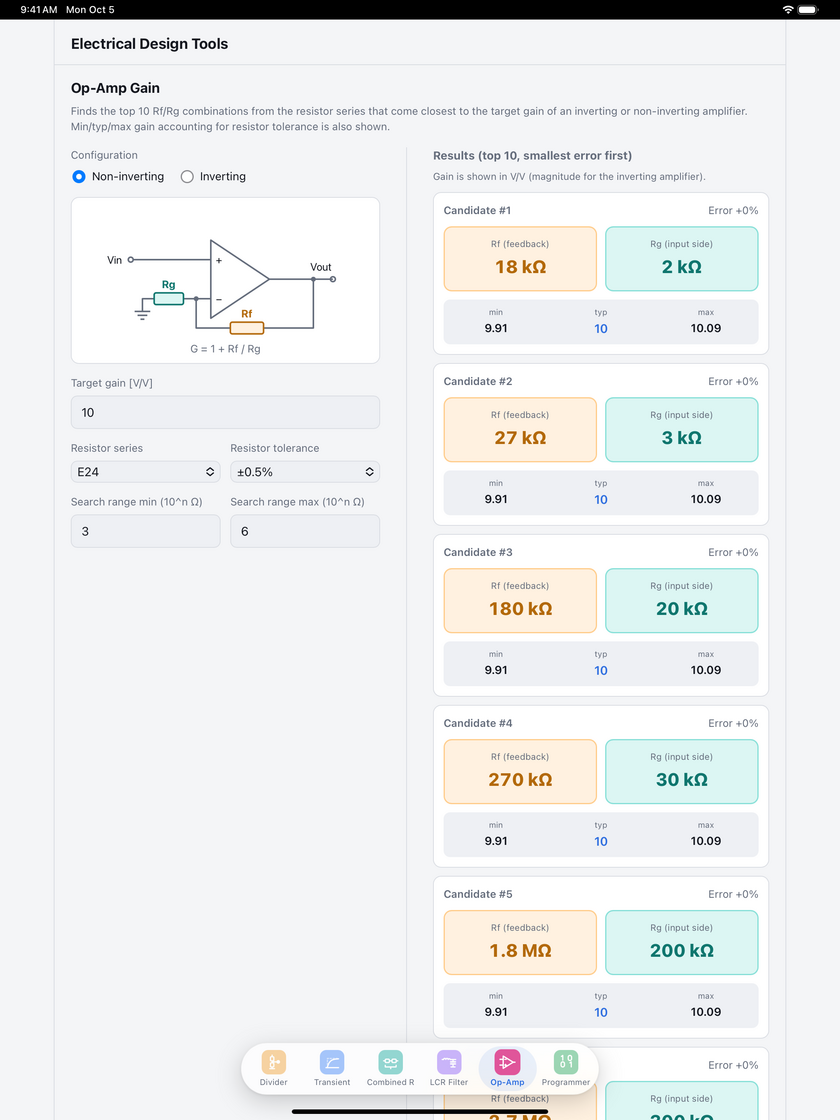
From a target gain for an inverting or non-inverting amplifier, find Rf/Rg combinations close to the target in the E6/E12/E24/E48 standard series. See the minimum, typical and maximum gain with resistor tolerance taken into account, and a circuit diagram shows where each resistor goes.
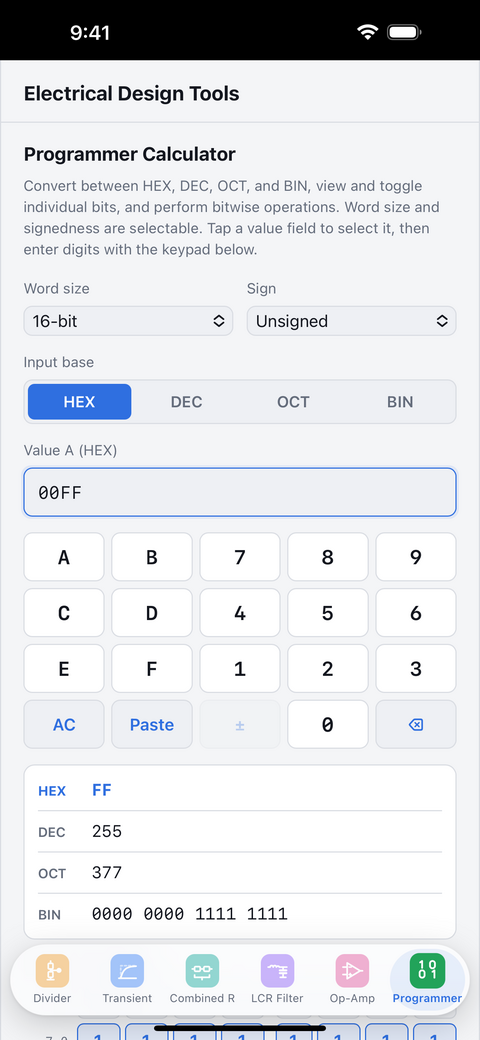
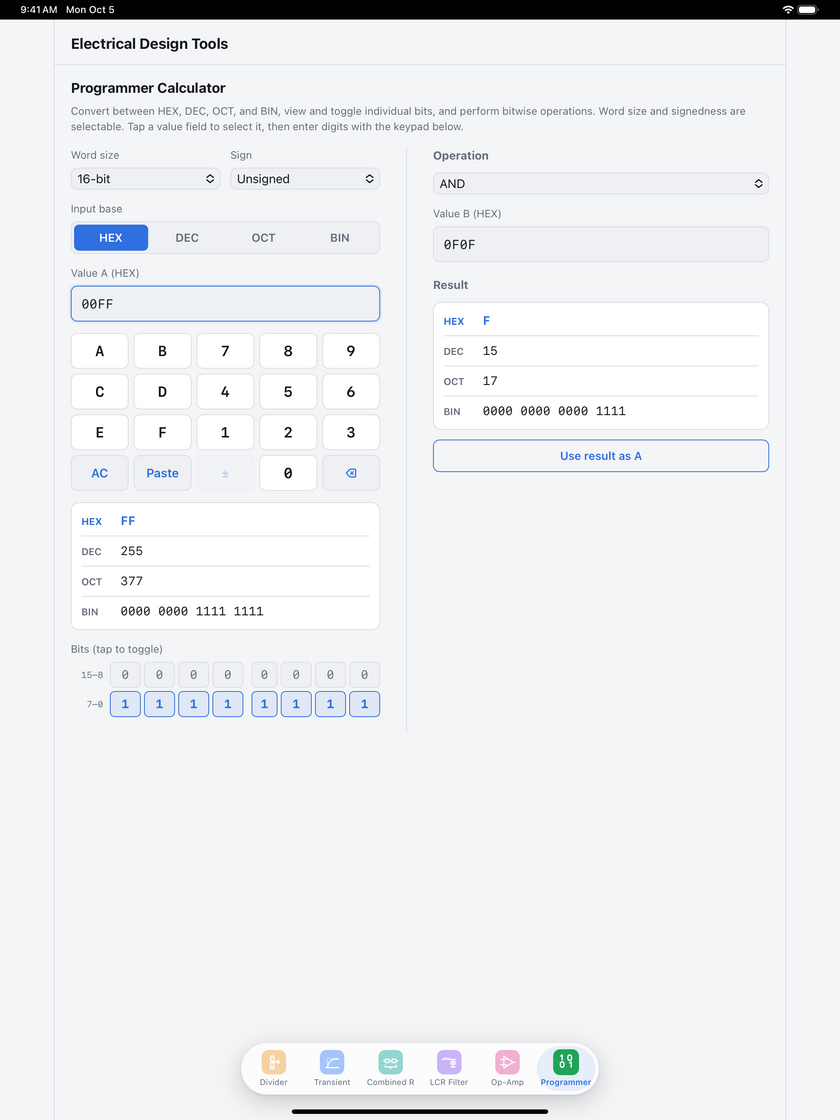
See and convert values in HEX, DEC, OCT and BIN at once. Tap bits to toggle them, and choose the word size (8–64-bit) and signed or unsigned. Supports bitwise operations such as AND, OR and XOR, shifts and rotates, and arithmetic.
USE CASES
Supports everyday checks that don’t call for a full simulation.
HOW TO USE
The basic flow.
Pick “Divider”, “Transient”, “Combined R”, “LCR Filter”, “Op-Amp” or “Programmer” from the tabs at the bottom.
Enter values such as voltage, resistance, capacitance or target gain. The programmer calculator has its own keypad in the app.
The results and graphs appear right away.
FAQ
EL tools: Circuit Calculator is free to use.
iPhone and iPad running iOS 15.0 or later.
The app is available in English and Japanese, and switches automatically to match your device’s language setting (Ver.1.2 and later).
Yes, ads are shown. We use Google AdMob to serve ads. For how information related to ads is handled, please see the Privacy Policy.
Please use the contact form and choose “EL tools: Circuit Calculator” as the app.
UPDATE HISTORY
Free to download.