Tap and Match app icon

EDUCATION

Tap and Match

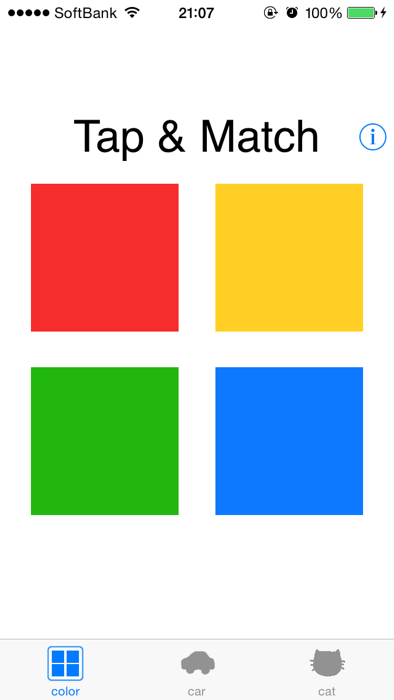
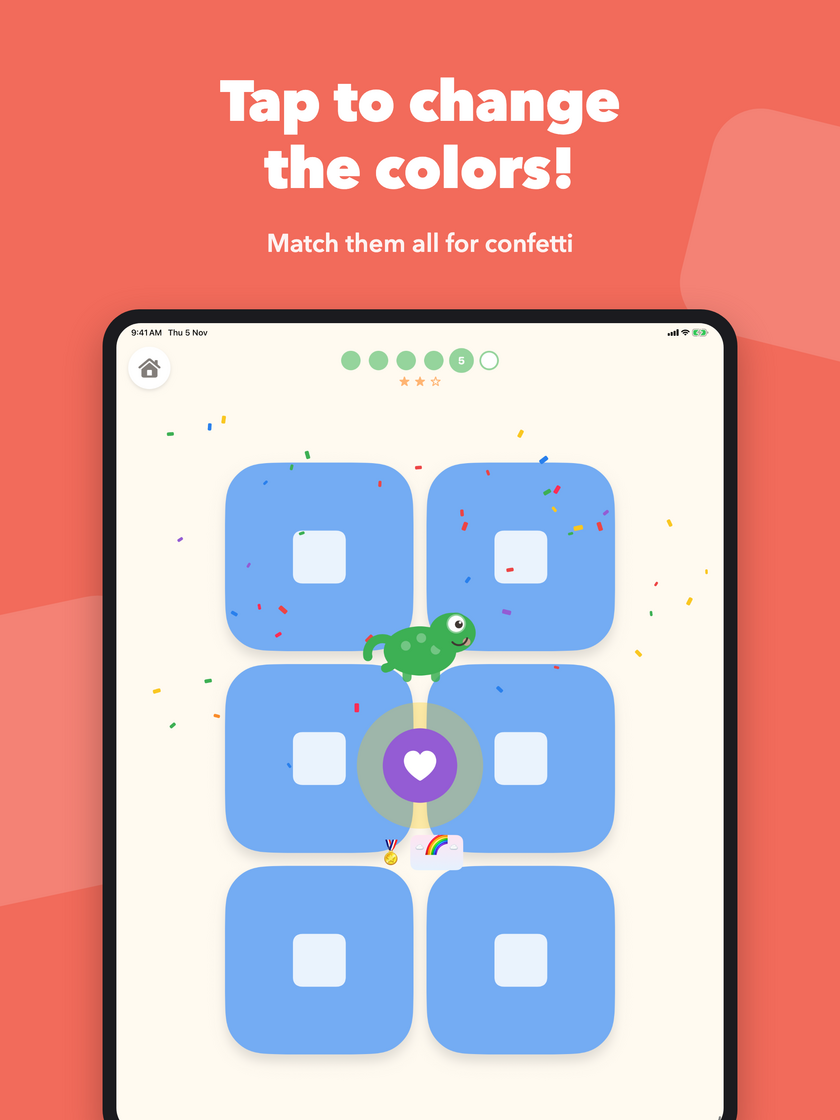
Tap a tile and its color changes. Match them all for confetti! A learning puzzle for little kids to pick up colors, shapes and the names of things while they play.

  • Free (in-app purchase)
  • No ads
  • iOS 17.0+
  • iPhone / iPad
  • English / Japanese
  • 4+

SCREENSHOTS

Screenshots

iPhone

iPad

FEATURES

Key features

Six ways to play

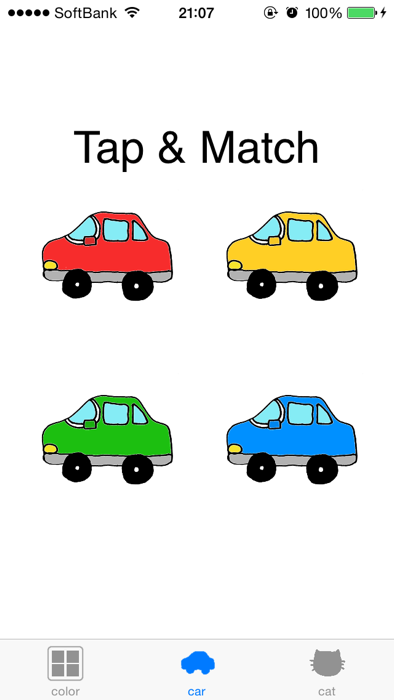
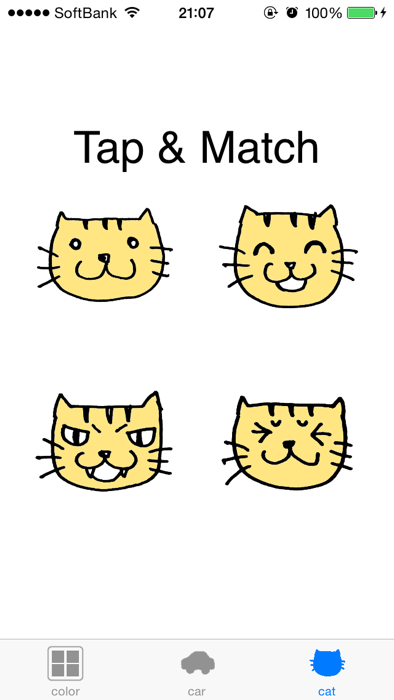
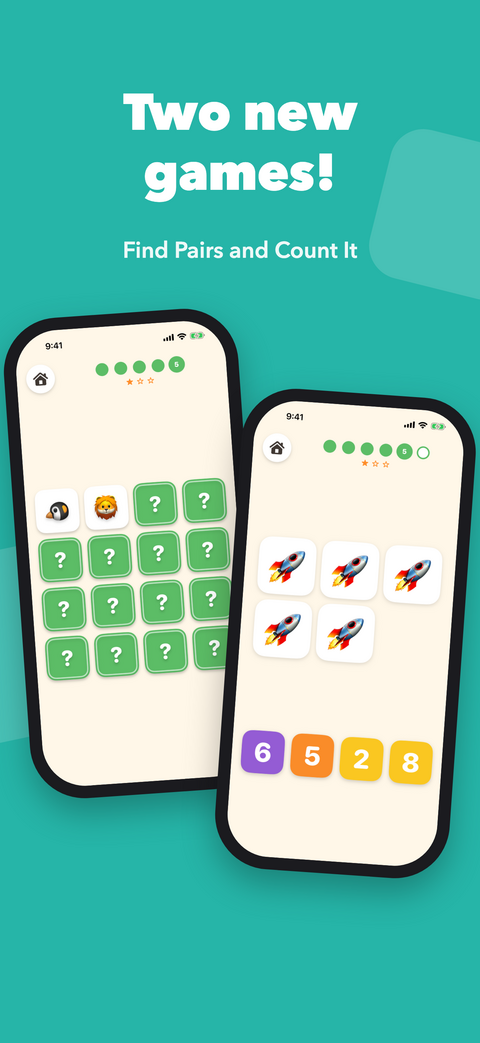
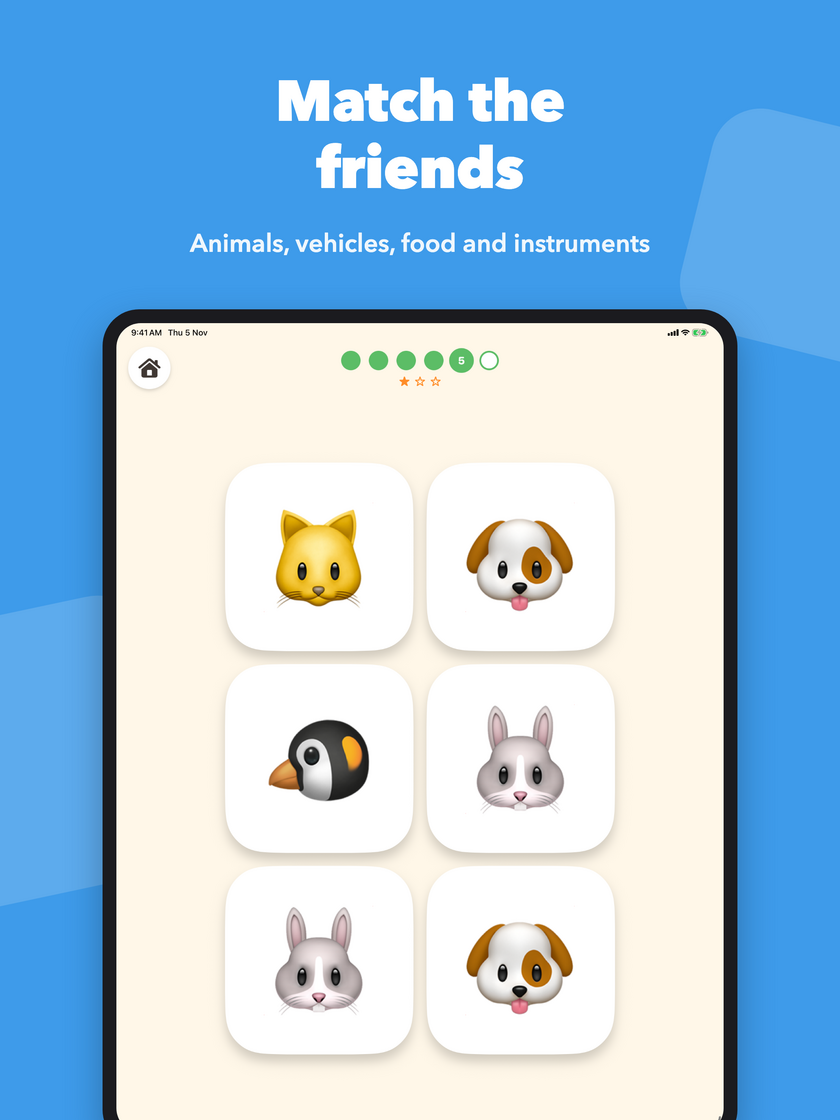
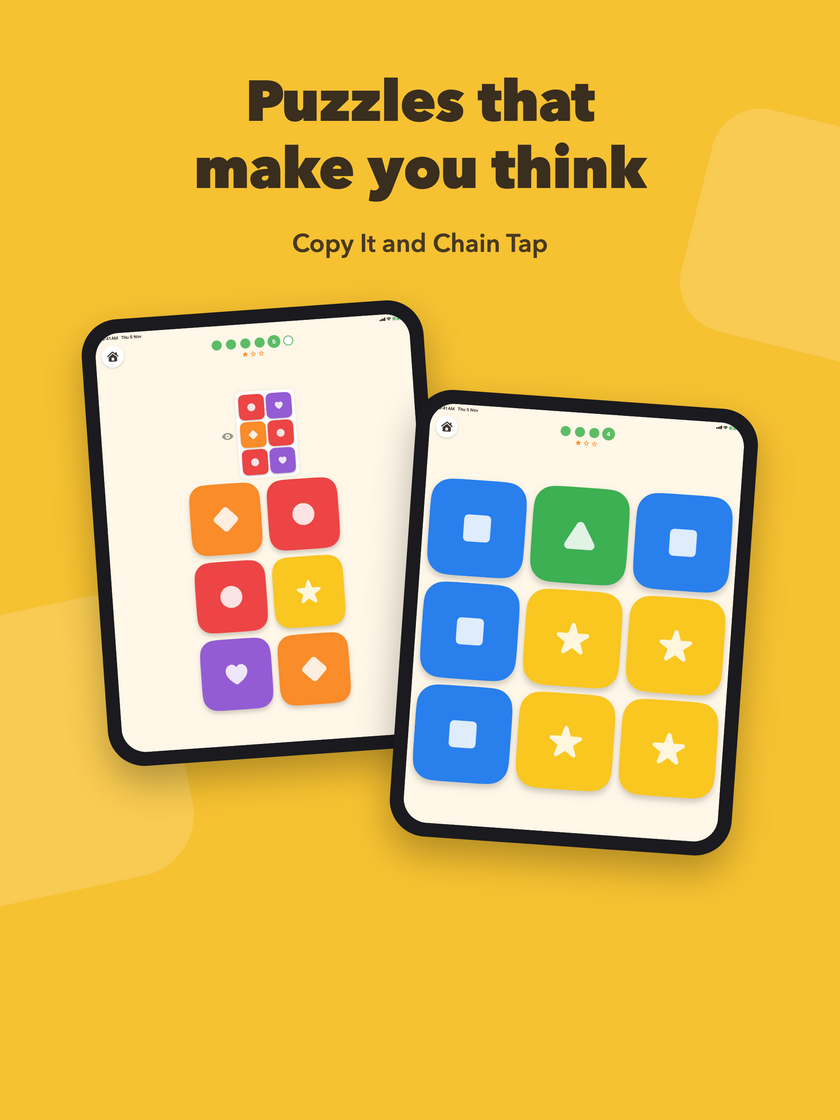
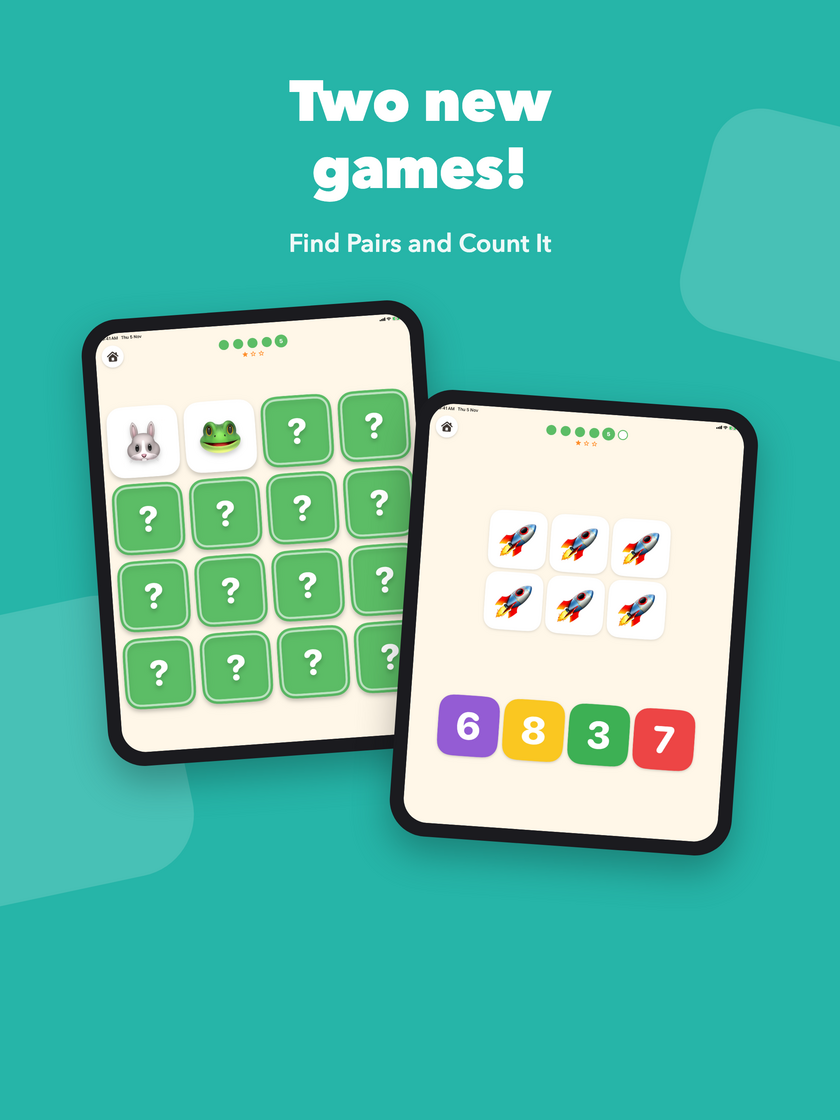
Colors (make every tile the same color), Friends (animals, vehicles, food and instruments), Copy It (match the example), Chain Tap (the tiles next to the one you tap change too), Find Pairs (flip the cards to find matching pictures) and Count It (count the things, then pick the right number).

Collect stickers

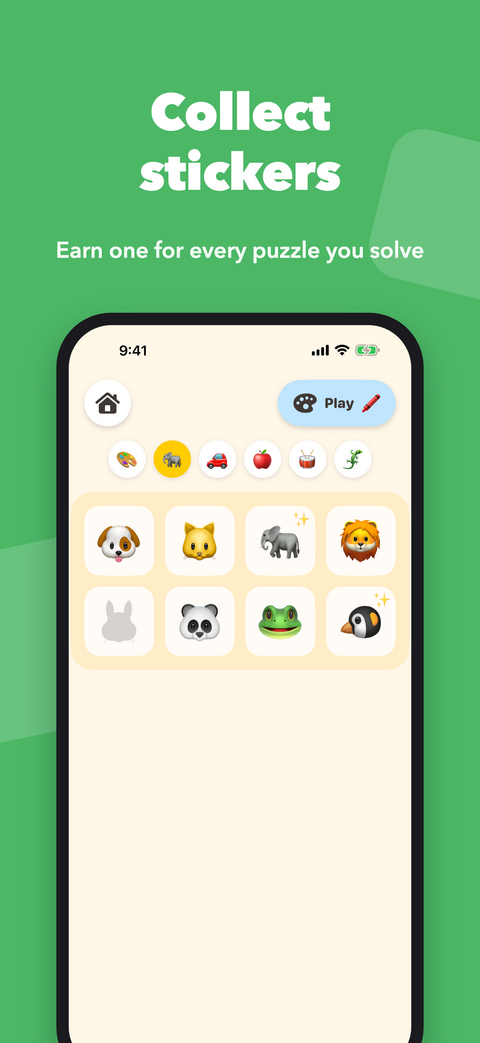
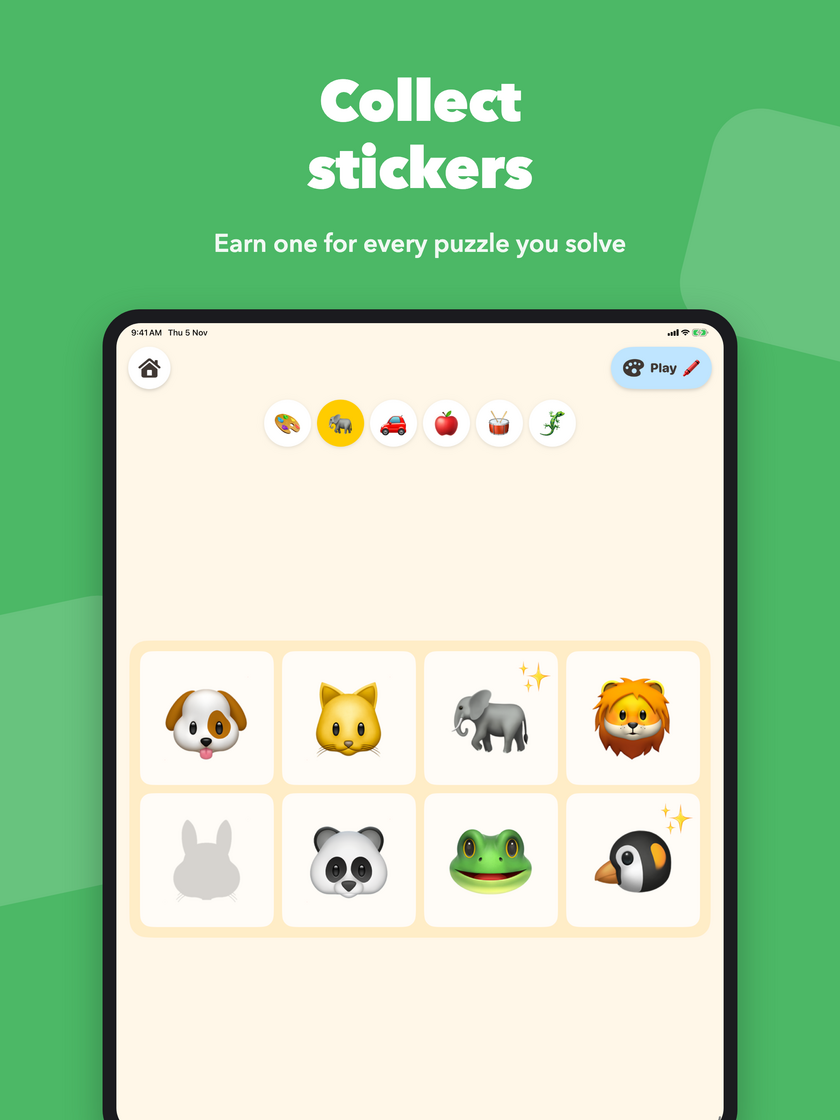
Earn a sticker for every puzzle. A “friend of the day” brings a sticker every day, too.

Sticker play and drawing

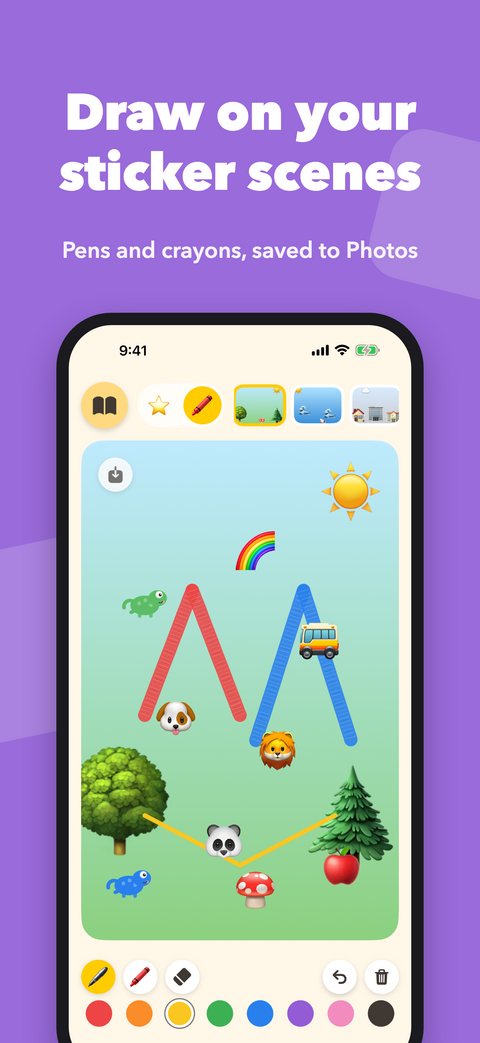
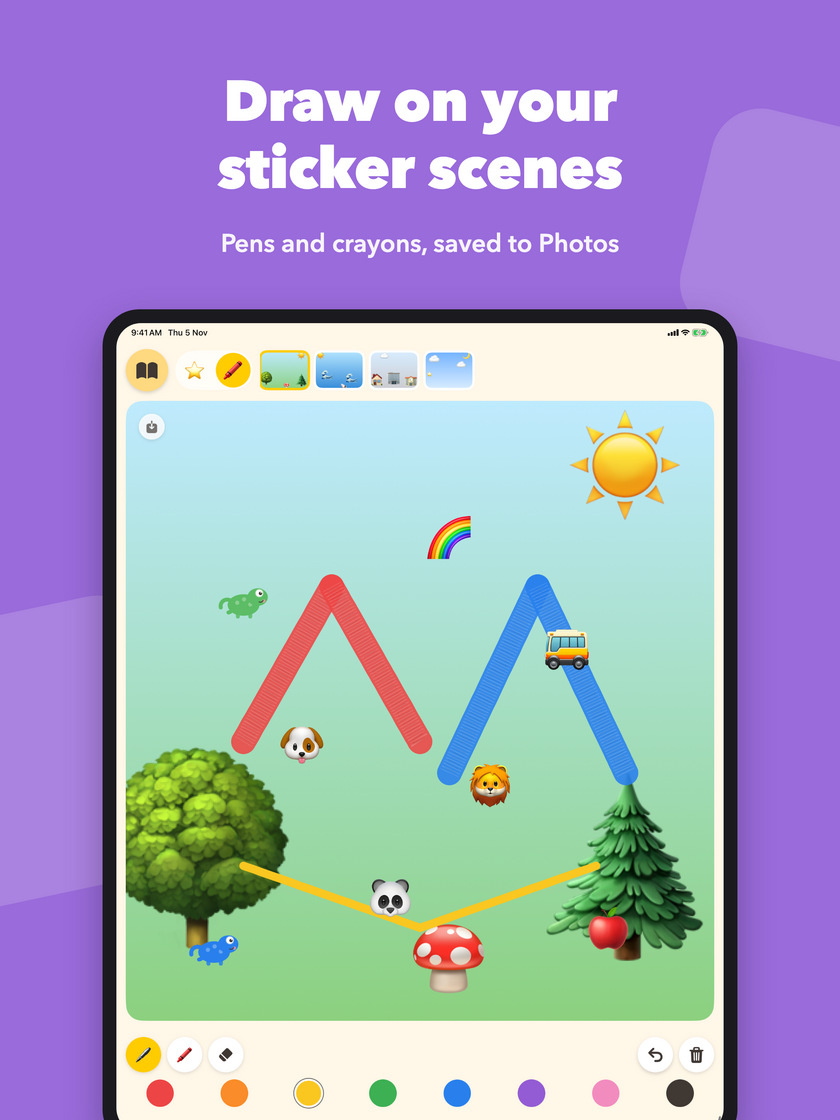
Place your stickers anywhere on the scene you like to make your own pictures. Draw on the scenes with pens and crayons (free), and save your pictures to Photos after a parental check.

Learn words

Hear the names of things in English or Japanese. Difficulty adjusts to your child's age.

Made for kids

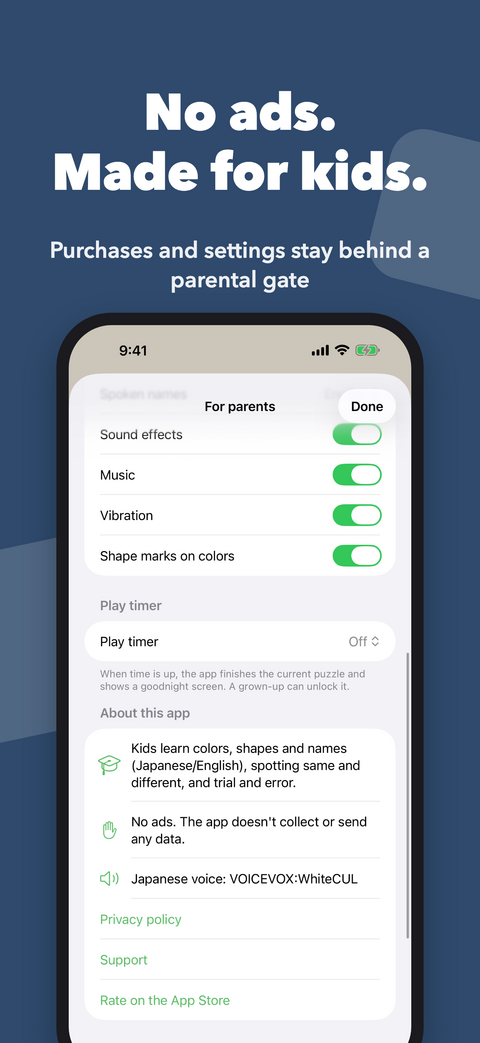
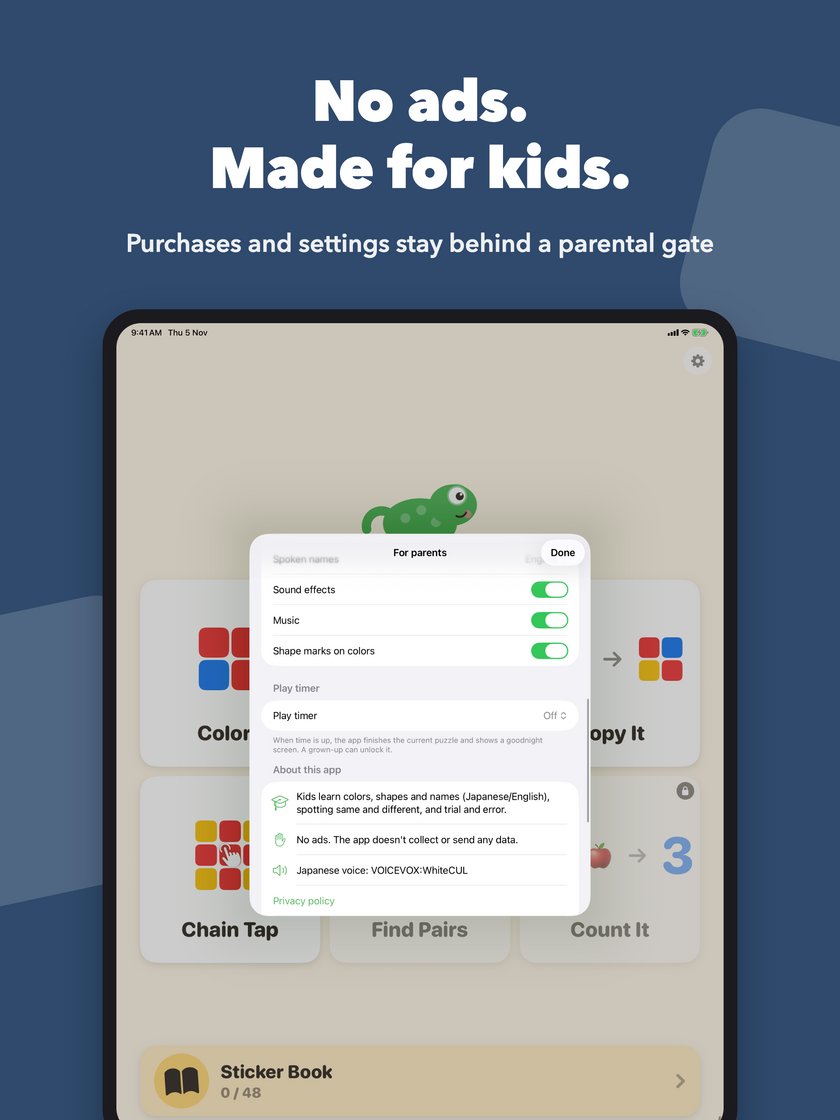
No ads. No data is collected or sent anywhere. Purchases, settings and links are behind a parental gate.

Play timer

Choose 5 to 20 minutes of play. When time is up, a goodnight screen appears.

HOW TO USE

How to use

The basic flow.

  1. Pick a game

    Choose one of the six games on the home screen.

  2. Tap to match

    Tap a tile to change its color or picture. Match them all to finish the puzzle.

  3. Collect stickers

    See the stickers you earn with the book button at the top left.

FAQ

FAQ

Does it cost anything?

It is free to play. The optional All Play Pack (a one-time purchase, not a subscription) opens every game, sticker and scene.

How do I open the parent area?

Press and hold the gear button at the top right of the home screen for 2 seconds, then answer the addition question. Settings, purchases and Restore purchase are there.

My All Play Pack stopped working.

Open the parent area and tap “Restore purchase”. Make sure you are signed in with the Apple Account you bought it with.

Can my family use it on their iPad?

Yes. Family Sharing members can use it at no extra cost. Tap “Restore purchase” on each device.

Can my child save their drawings?

Yes (Ver.2.1.0 and later). Drawings made on the sticker scenes can be saved to Photos after a parental check. The app only asks for permission to add photos, and never reads your photo library.

Which devices are supported?

iPhone and iPad with iOS 17.0 or later.

Where can I send feedback or feature requests?

Use the contact form and choose “Tap and Match” as the app.

UPDATE HISTORY

Update history

  1. Ver.2.1.0
    • Two new games: Find Pairs and Count It
    • Draw on your sticker scenes with pens and crayons, and save your pictures to Photos after a parental check
    • The sticker book is easier to find on the home screen
  2. Ver.2.0.0
    • A complete redesign, with no more ads
    • Four games: Colors, Friends, Copy It and Chain Tap
    • Sticker book, sticker play and the friend of the day
    • Settings for parents (age, voice, play timer and more)
    • All Play Pack (in-app purchase)
  3. Ver.1.0
    • First release