Tap to build
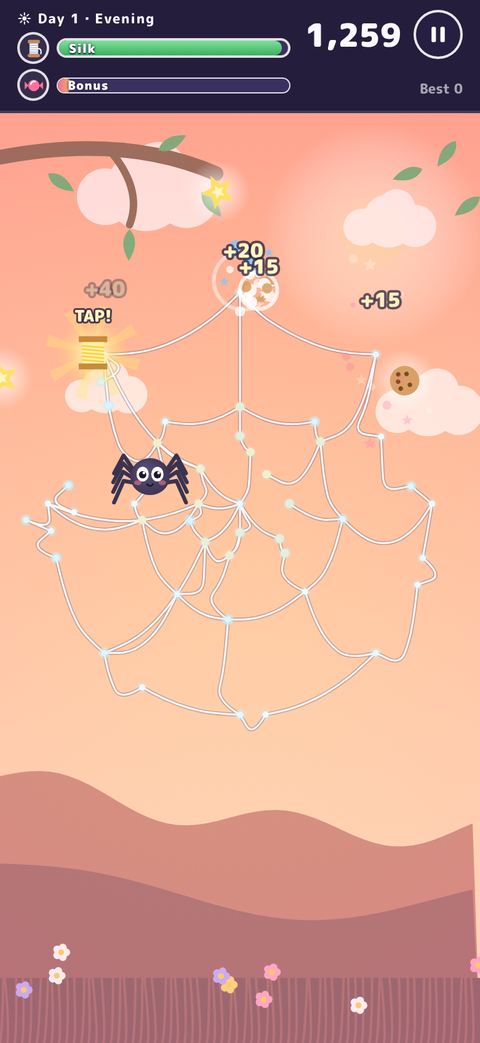
Your spider spins a thread to wherever you tap. Where threads cross, they tie together on their own and make the web stronger.
CASUAL GAME
Tap anywhere and your spider spins a thread to that spot. Build a web, then tap the bugs that get stuck to catch them. How many days can you last before your silk runs out?
SCREENSHOTS
FEATURES
Your spider spins a thread to wherever you tap. Where threads cross, they tie together on their own and make the web stronger.
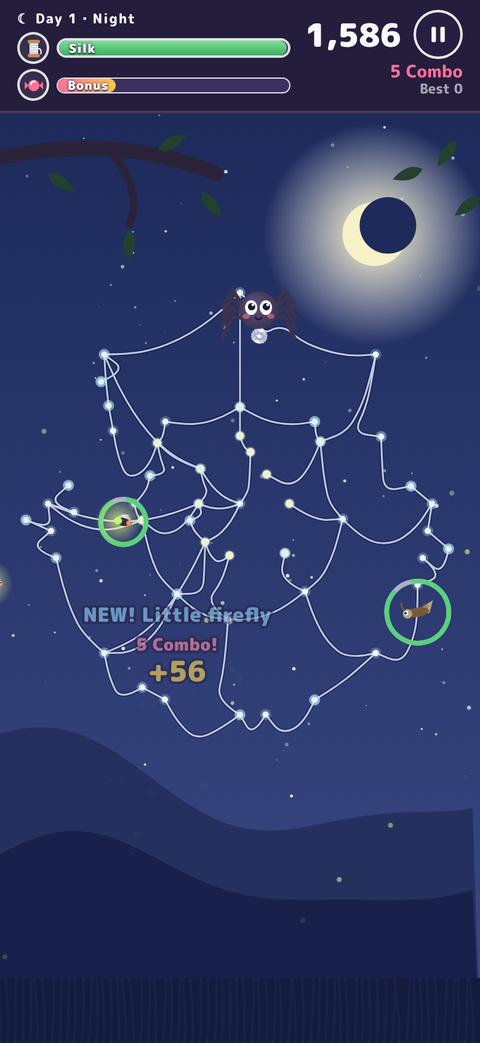
Tap a bug stuck in the web and your spider rushes over to wrap it up. Leave it too long and it snaps the thread and gets away.
Spinning uses silk, and it slowly drains over time. At zero the run ends. Eating bugs refills it.
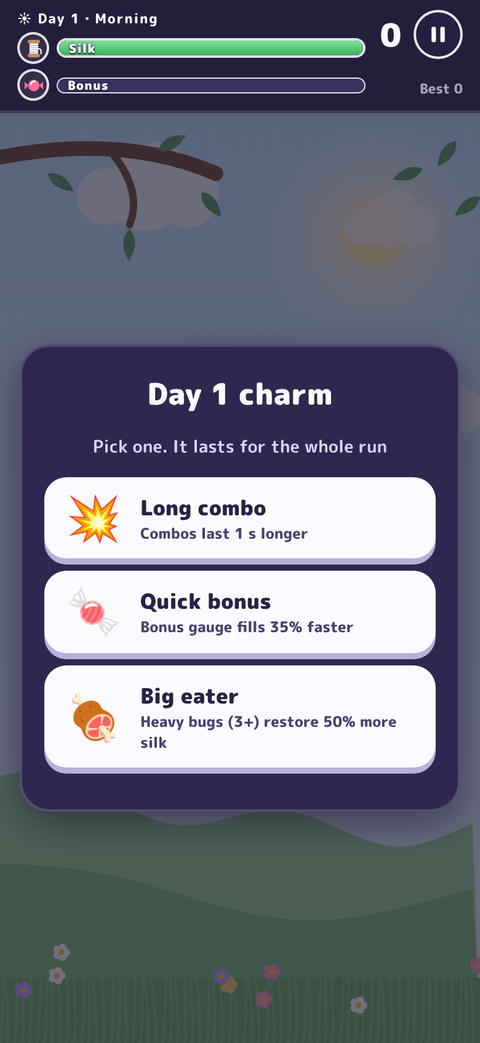
Morning, day, evening, night, then a new morning. Gusts tear the web, and some days bring rain or a full moon. The charm you pick each dawn changes how the run plays.
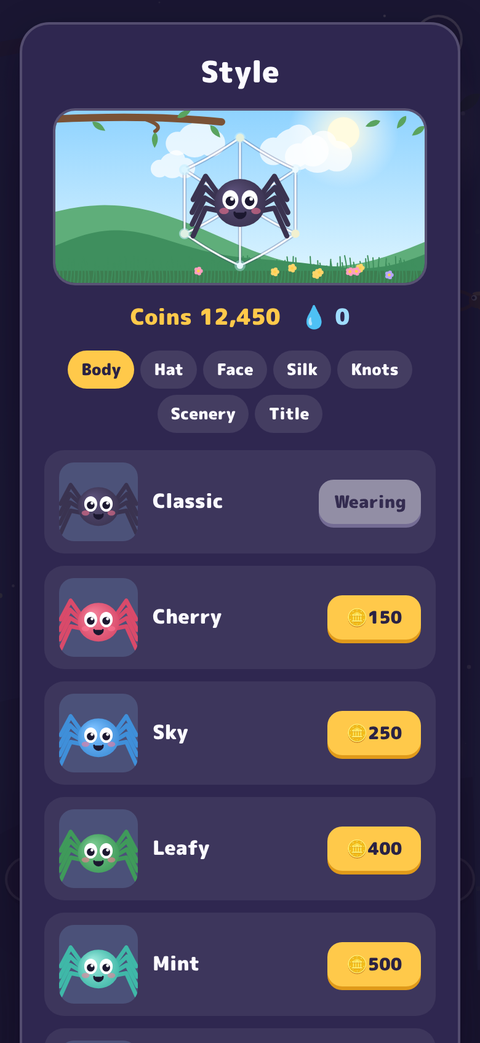
A Bugdex that grows with updates, size records and rare colour variants. Spend coins on spider colours, hats, silk colours and more, and go for achievements and titles.
30 stages with missions to clear against the clock. After each clear, pick one upgrade and move on.
HOW TO PLAY
The basics.
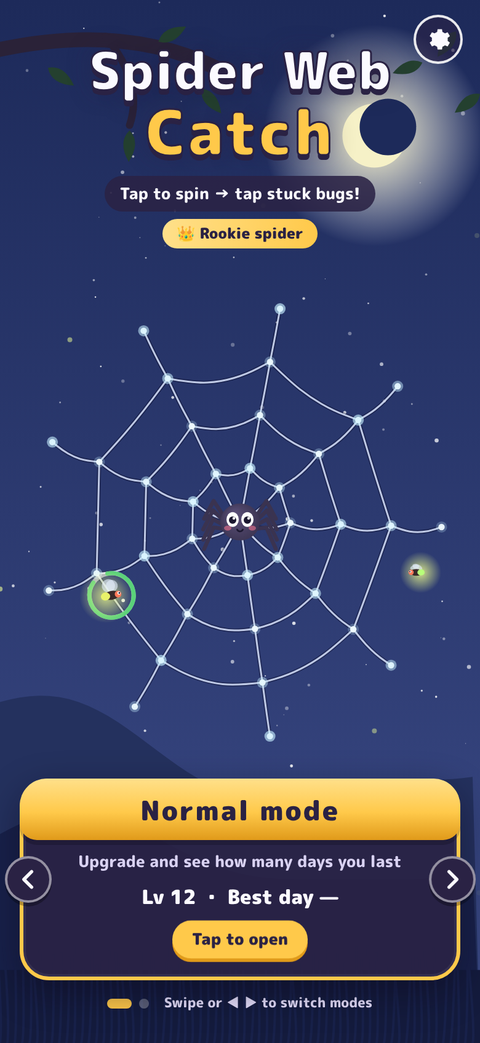
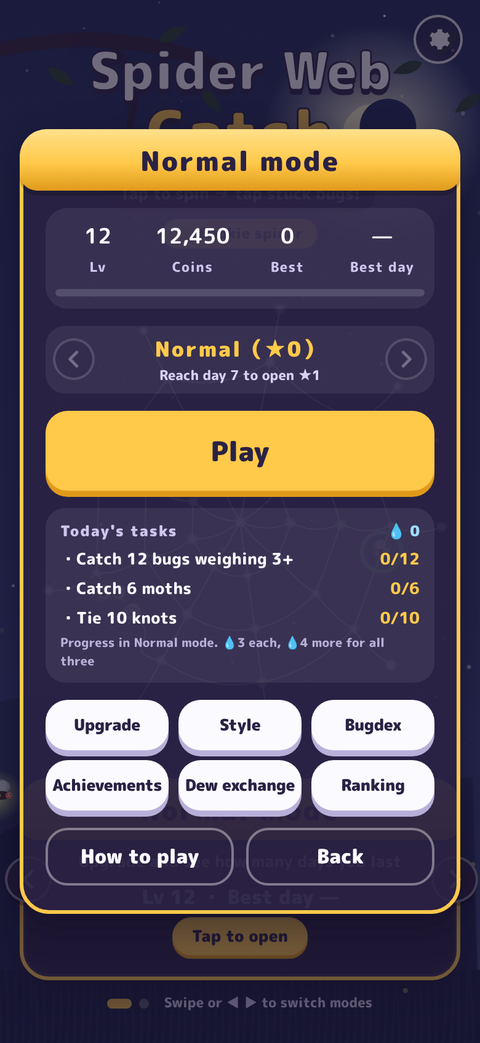
On the title screen, tap “Normal mode”, then press “Play”. First, pick a charm.
Tap the screen and your spider spins a thread to that spot. Branch out from twigs and threads to grow your web.
Tap bugs stuck in the web to catch them. Catch them back to back for a combo and a higher score.
FAQ
Yes, it is free to play.
iPhone and iPad with iOS 15.0 or later.
Yes. A banner ad appears at the bottom of the screen, and if you choose “Watch an ad to continue” after your silk runs out, one ad is shown. Ads are served by Google AdMob. See the Privacy Policy for how ad-related information is handled.
English and Japanese. The game follows your device language (Japanese if your device is set to Japanese, English otherwise). You can also switch from the gear (settings) on the title screen.
Sound is off while the silent switch is on. Also check that Music and Sound are turned on in the gear (settings) on the title screen.
Open the gear (settings) on the title screen and choose “Erase data”. This erases your level, coins, Bugdex, looks and other progress.
Your data is stored only on your device, so it is removed when you delete the app.
Use the contact form and choose “Spider Web Catch” as the app.
UPDATE HISTORY