Easy row and stitch counting
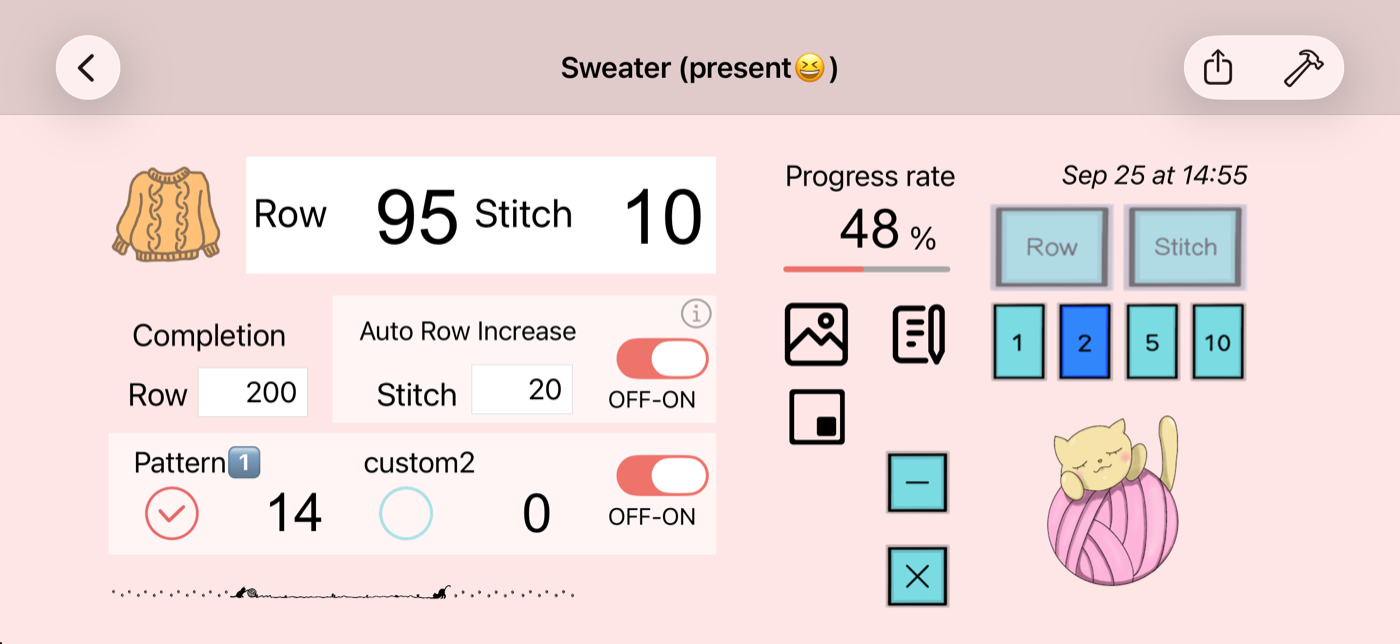
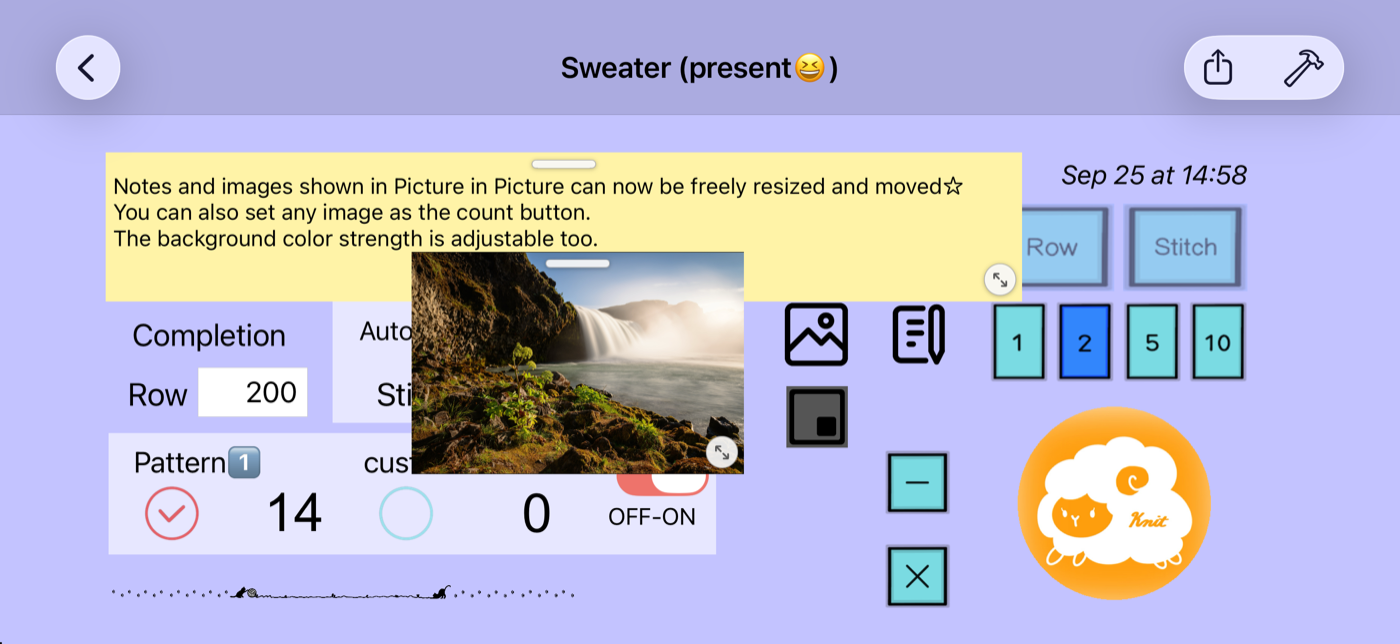
Tap the “Row” and “Stitch” buttons to count. Choose to count by 1, 2, 5 or 10.

KNITTING COUNTER
Count rows and stitches and save them for each project. A simple knitting counter that keeps track of every project.
SCREENSHOTS
FEATURES
Tap the “Row” and “Stitch” buttons to count. Choose to count by 1, 2, 5 or 10.
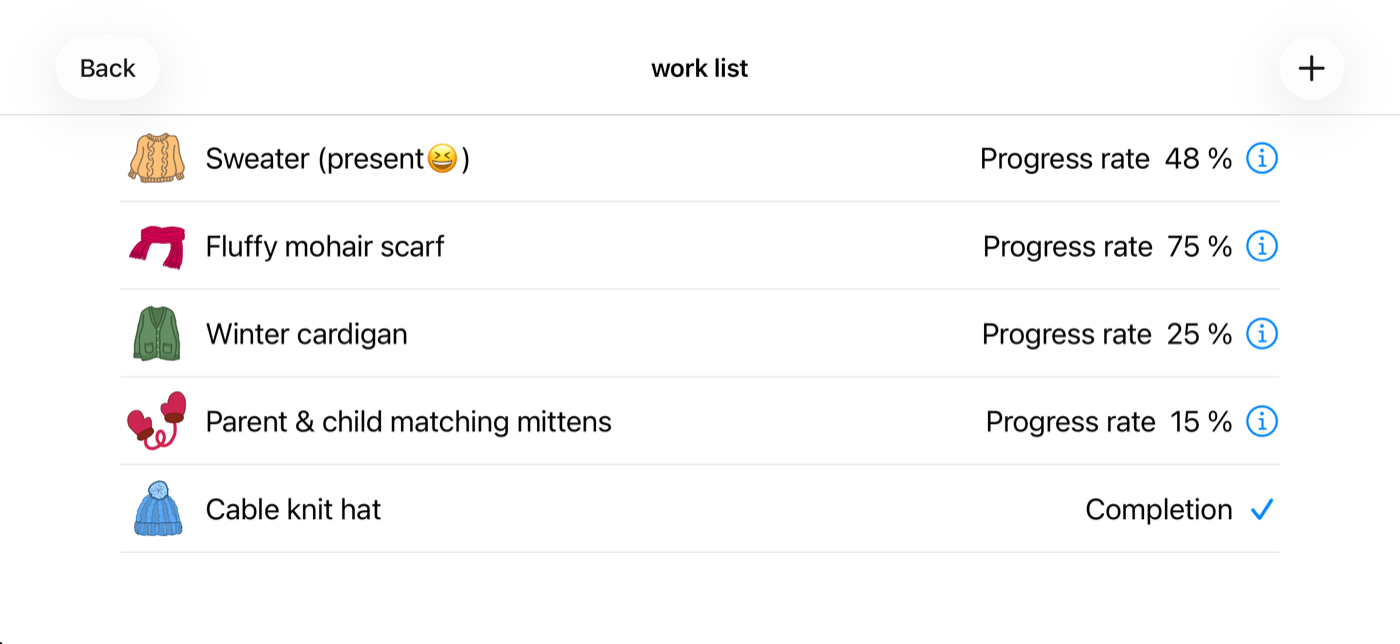
Counts are saved per project, and the project list shows how all your projects are coming along at a glance.
Set the total number of rows to see your progress. Rows can advance automatically at a set stitch count, and you can use extra counters too.
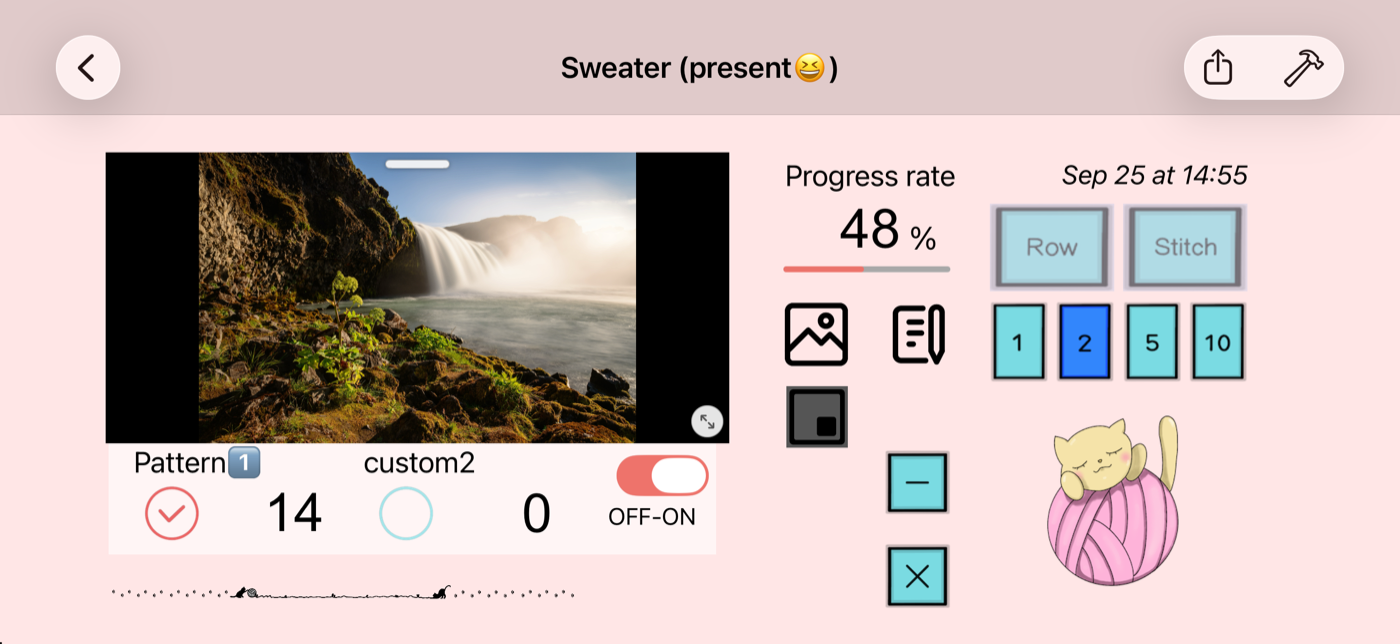
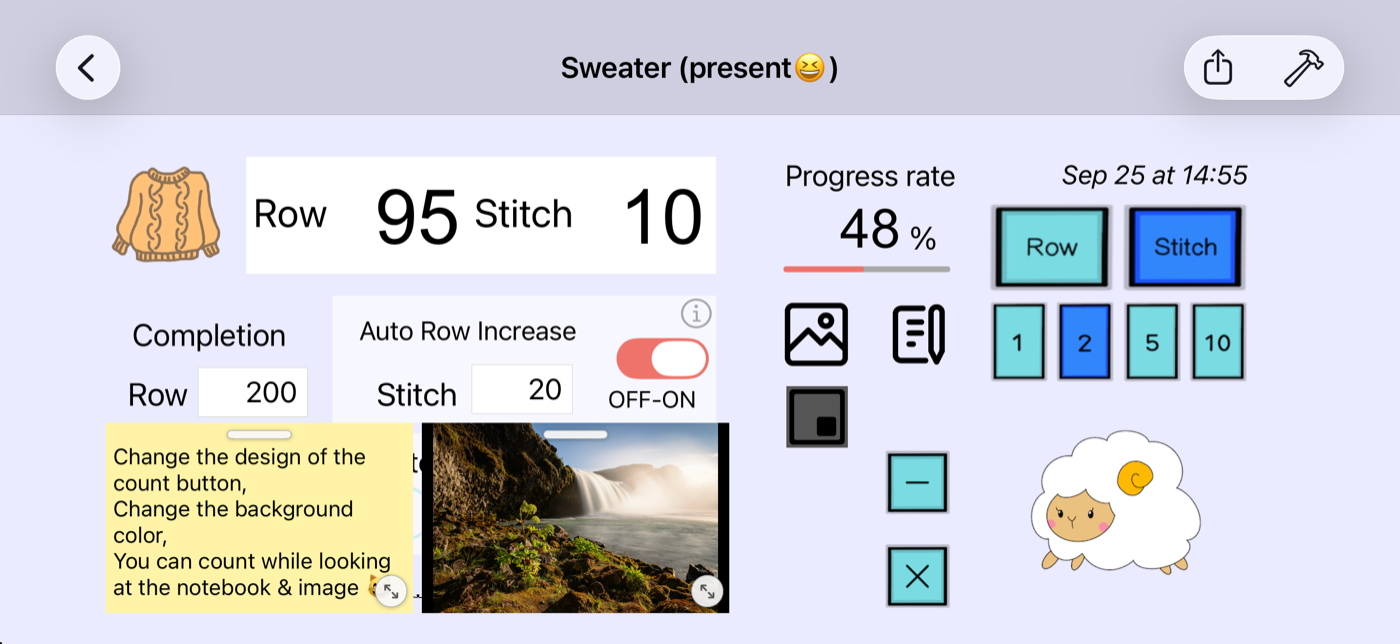
Keep a pattern image or a note on screen while you count. Move and resize it freely with the handles.
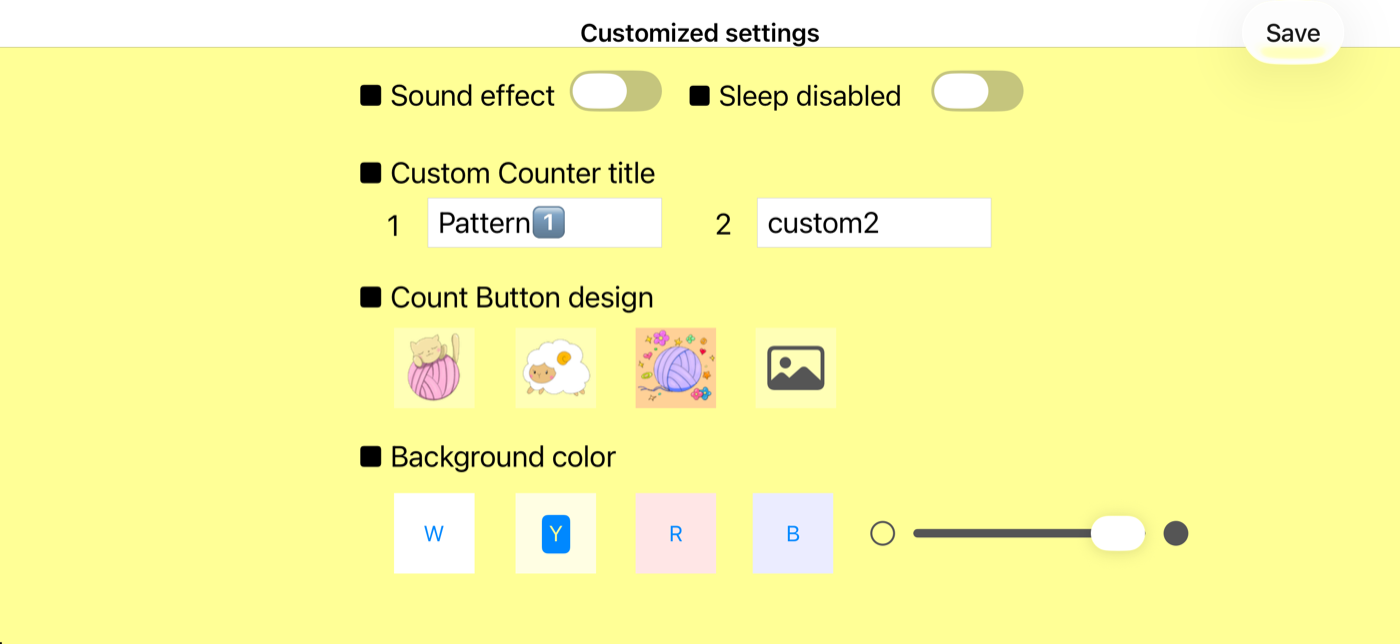
Use your own image for the count button, and adjust how deep the background color is.
Turn sound effects on or off, and keep the screen from dimming while you knit.
HOW TO USE
The basic flow. More detailed instructions will be added over time.
Tap “+” in the project list, then choose a name and an image and save.
Open the project and tap the “Row” and “Stitch” buttons to count.
Set the total number of rows to see your progress, also shown in the project list.
FAQ
Knit2 is free to use.
iPhone and iPad running iOS 15.0 or later.
Yes, ads are shown. We use Google AdMob to serve ads. For how information related to ads is handled, please see the Privacy Policy.
Please use the contact form and choose “Knit2” as the app.
UPDATE HISTORY